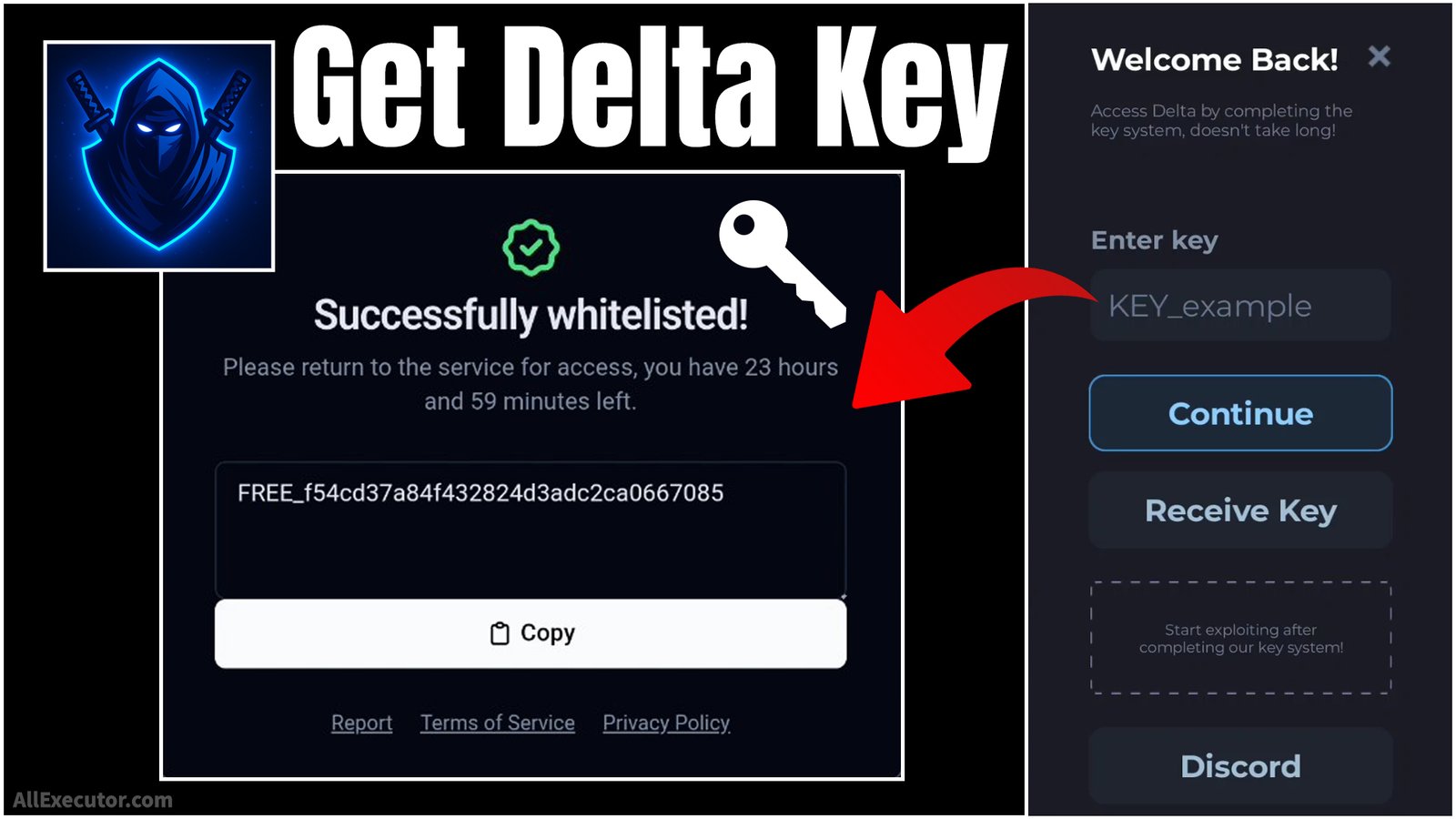
If you are having trouble getting Delta Key or do not know how to generate a Delta Mobile Key, then you are in the right place. In this blog, you will learn how to get a fast Delta Executor Key to unlock Delta Executor menu for Roblox.
Page Contents:
We provide a simple step-by-step tutorial with video guides and screenshots to help you easily create, generate, and use Delta Key on Delta Executor. Whether you are a beginner or a regular Roblox player, this guide will help you understand the complete Delta Key process quickly and easily.
About Roblox:
Roblox is an online gaming platform and game creation system developed by Roblox Corporation. It is available on Android, PC Windows, iOS, Mac, and other devices.
Roblox allows users to create their own games and play millions of games made by other players from around the world. Players who create a Roblox account can explore different games, build their own virtual experiences, and enjoy online multiplayer gaming with friends.
What is Delta Executor?
Delta Executor is a modified version of Roblox app designed to run custom scripts and unlock additional features. It is a popular tool that gives Delta users extra gameplay options compared to regular Roblox players.
Delta Executor was developed by Delta Dynamics team, a third-party developer group known for creating Roblox exploit tools and script executors for Android, iOS, Windows, and other supported platforms.
What is Delta Key?
If you installed Delta exploit tool, also known as Delta Executor, which is a modified version of Roblox app, you will see a special Delta menu inside the application. To unlock and use this menu, you need a Delta key. Without Delta Key, you will not be able to access the tool or run custom scripts in Roblox games.
The complete Delta Executor key generation process is provided below with a step-by-step tutorial, screenshots, and a video guide for Android, iOS, Windows, and other supported devices.
How To Get Delta Executor Mobile Key? (Video)
How To Get Delta Executor Mobile Key? (Screenshots)
Step 1 – Open “Delta Executor” app and wait for Delta Menu to load.
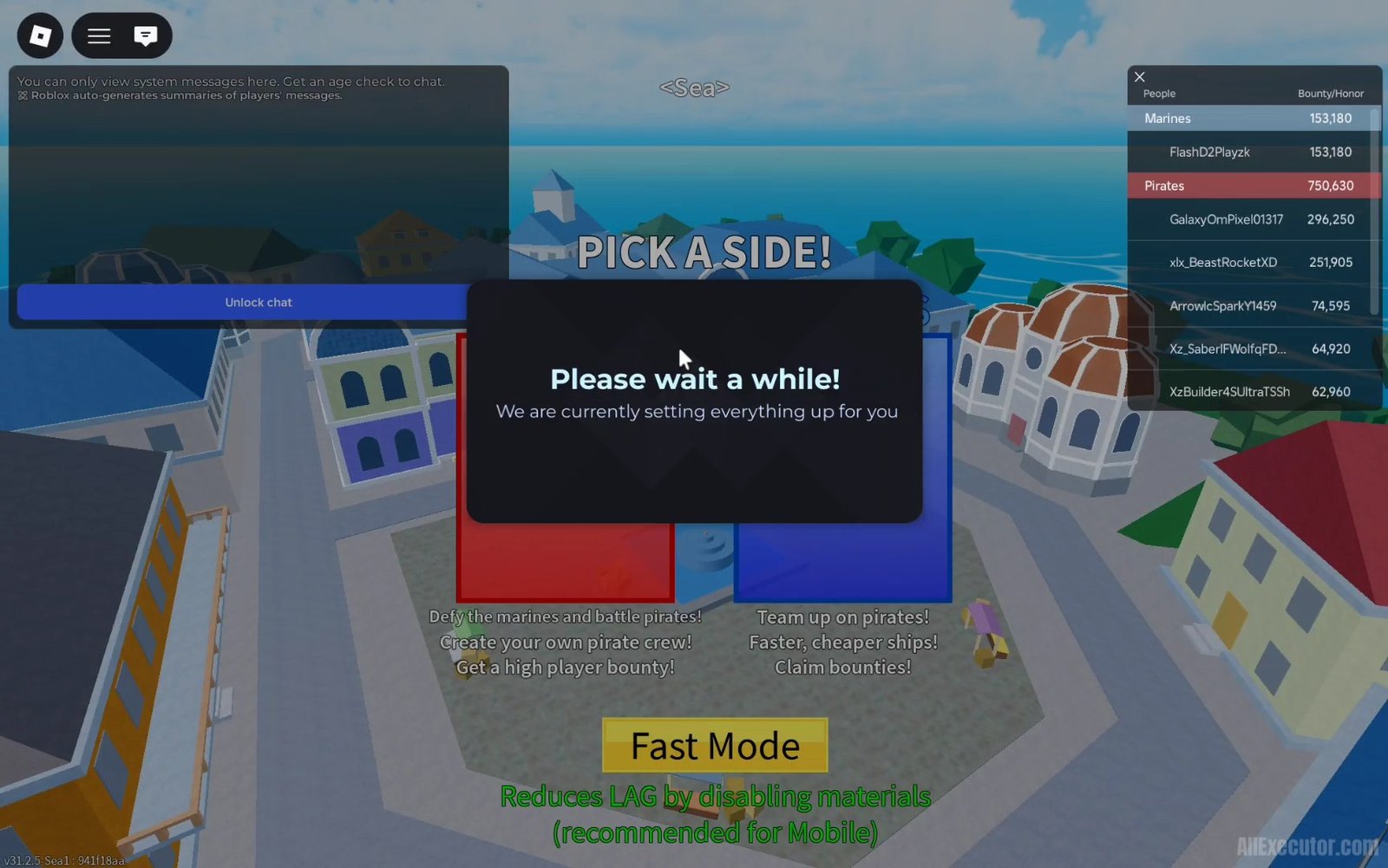
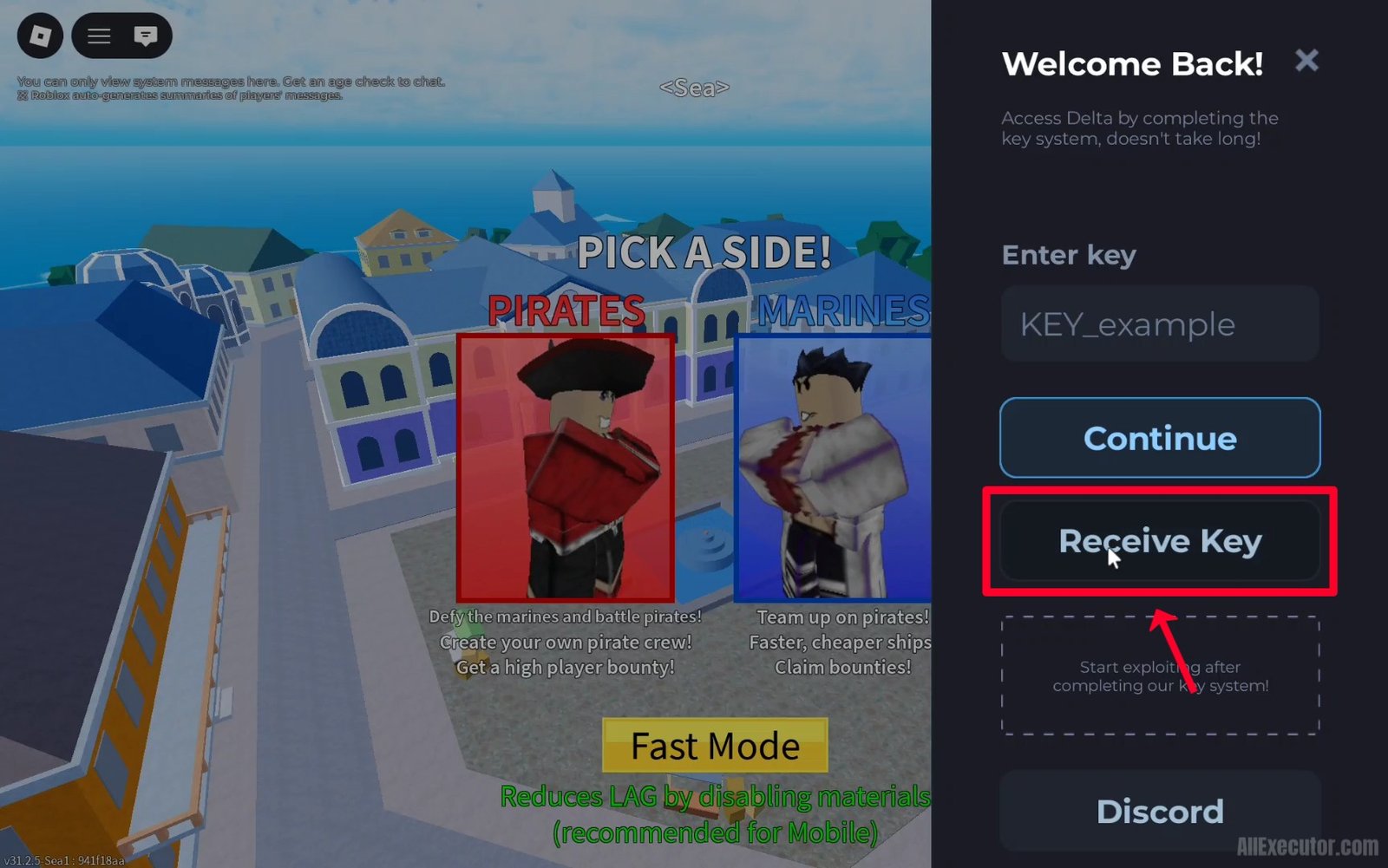
Step 2 – Tap on “Receive Key” button.
Step 3 – You will be redirected to “Delta Android Keysystem” webpage.
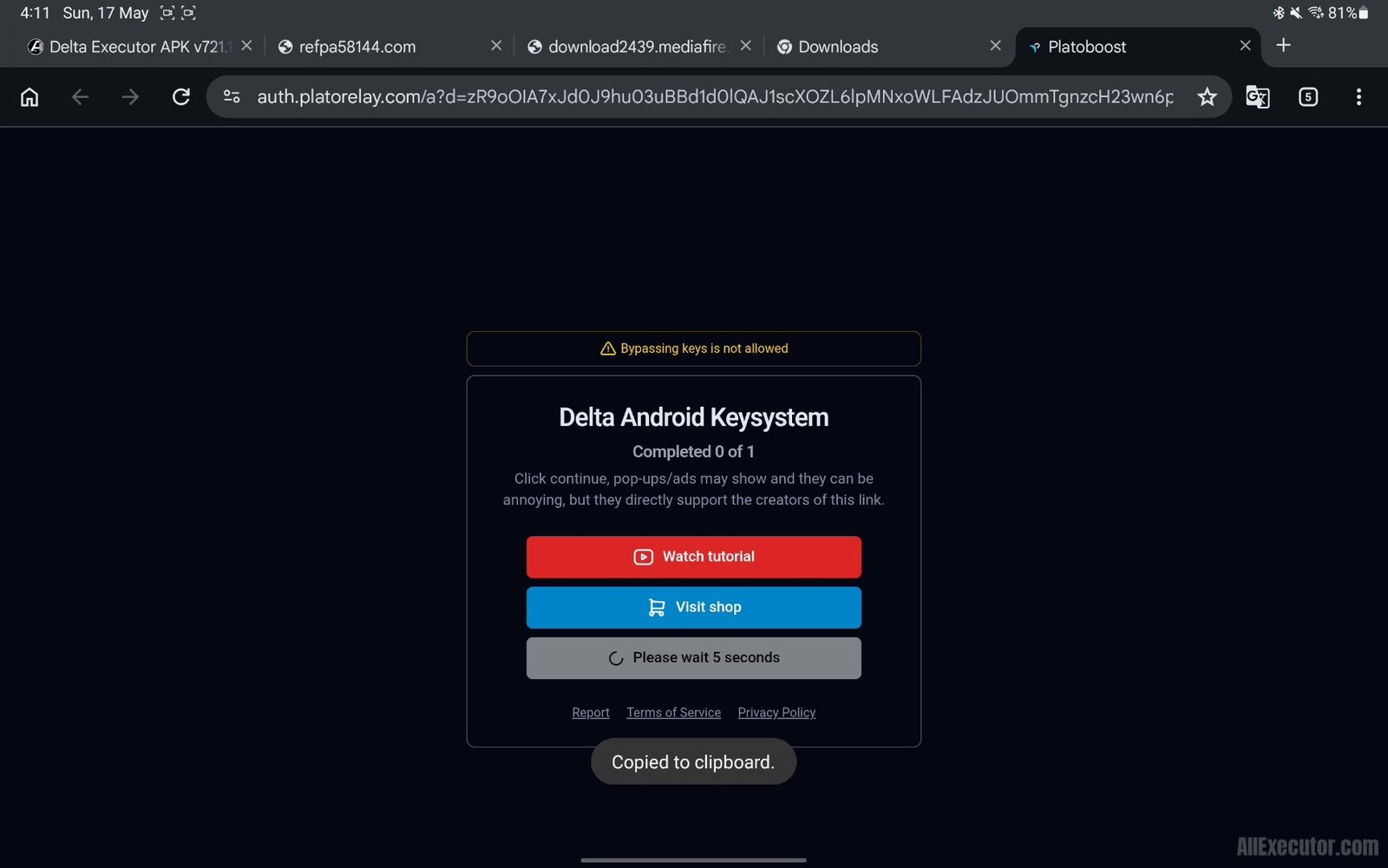
Step 4 – Wait for 5 seconds on the page.
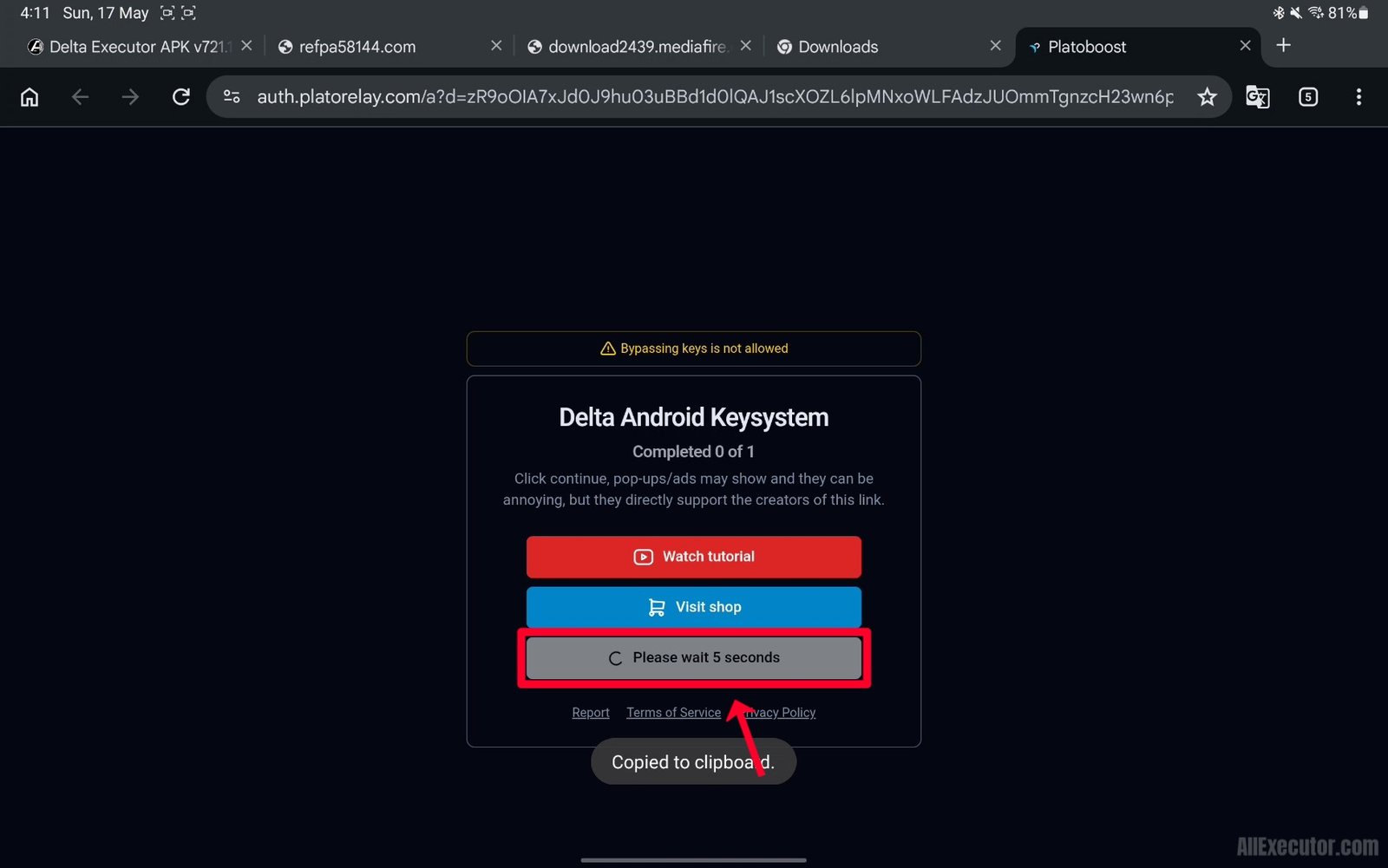
Step 5 – Tap on “Continue” button.
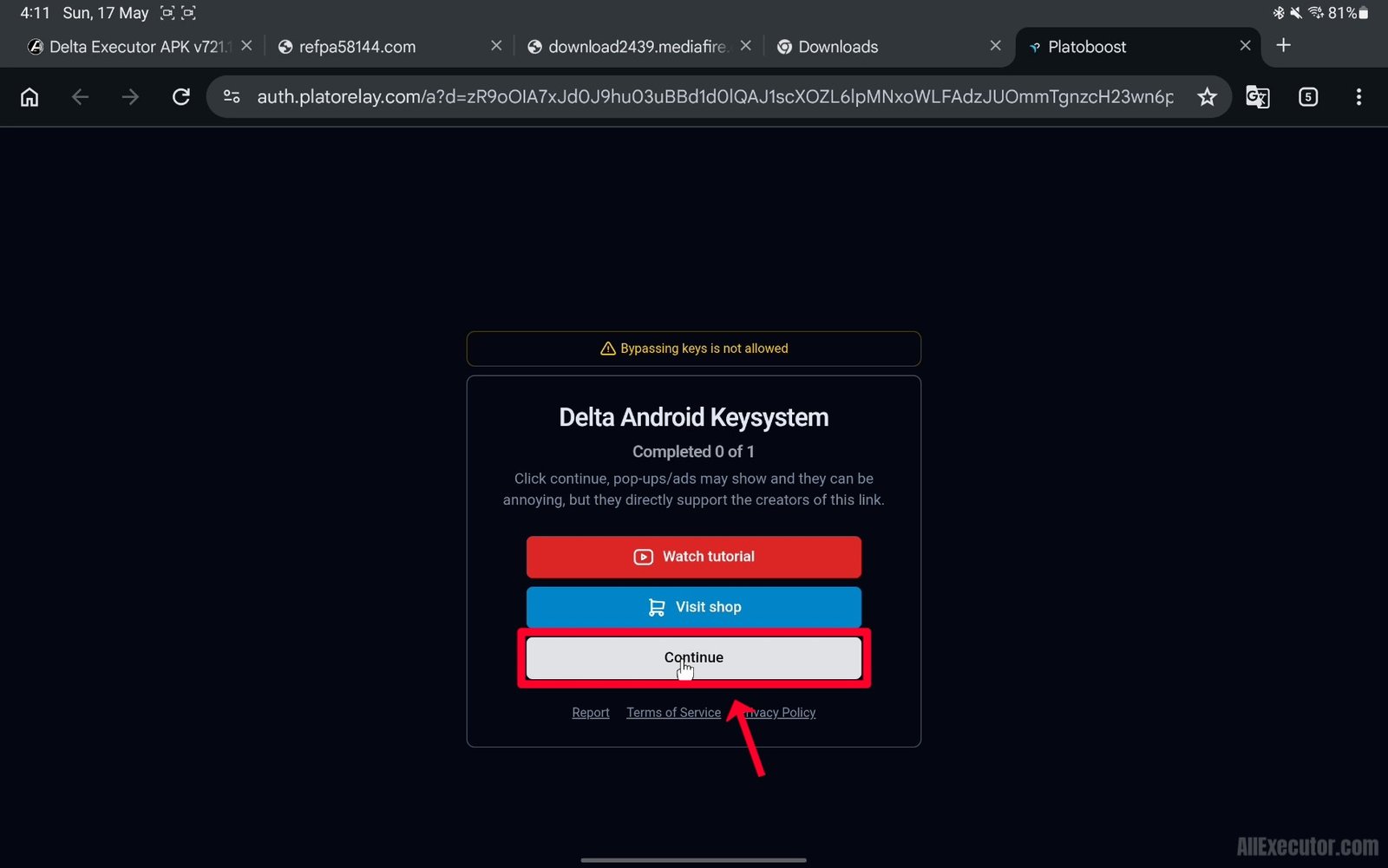
Step 6 – You will be redirected to “LootLabs” Delta Key task page.
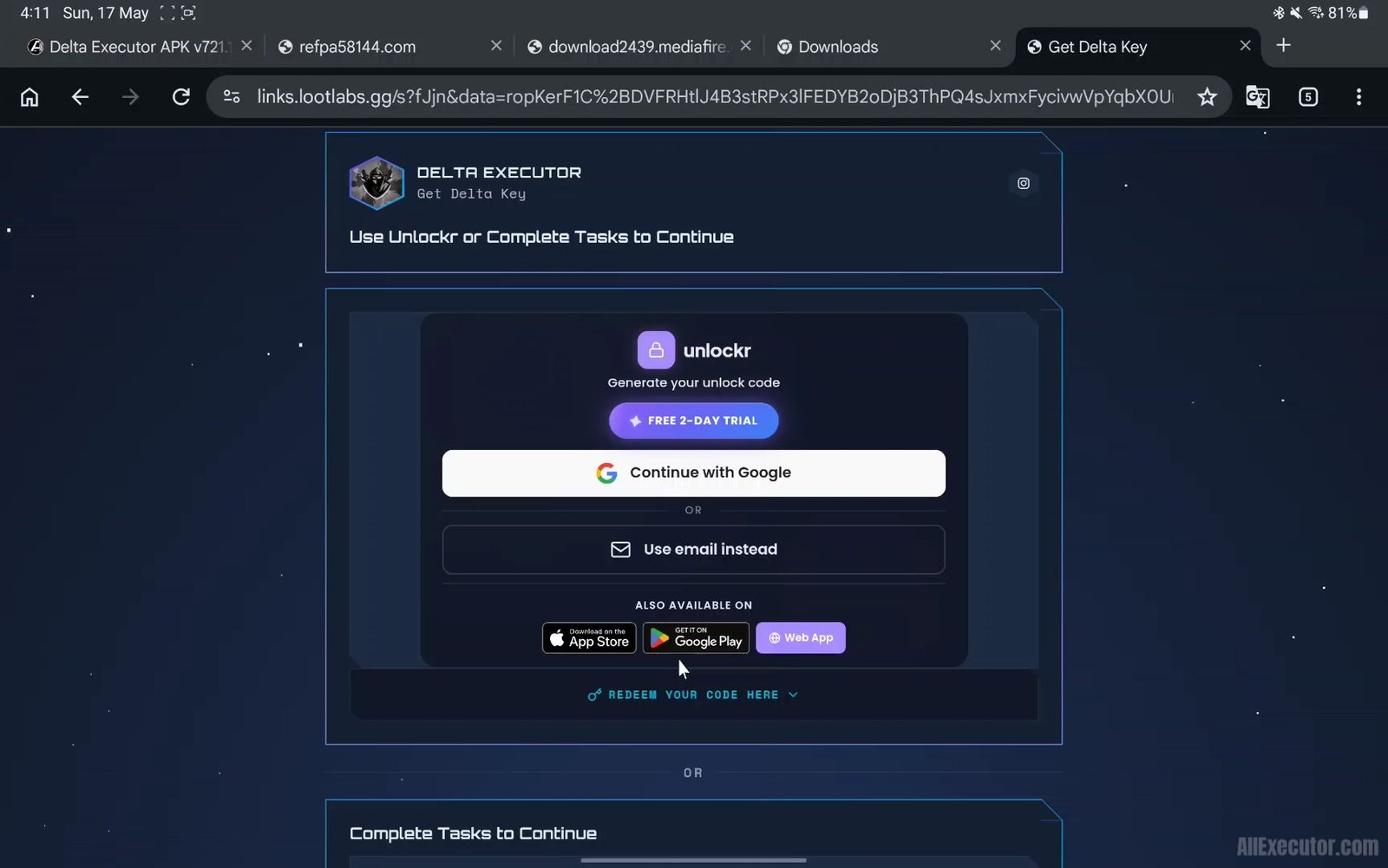
Step 7 – Scroll down on the page.
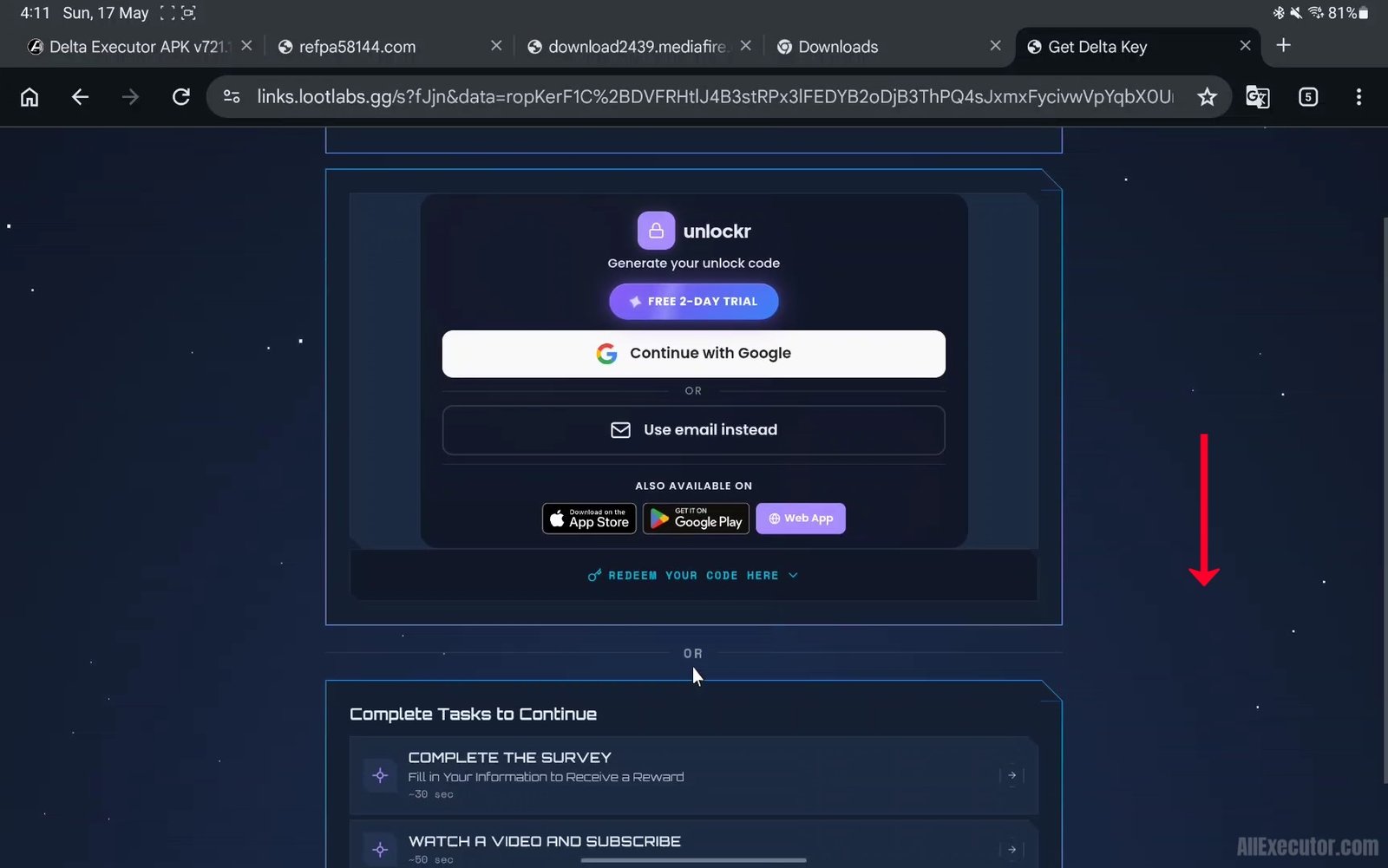
Step 8 – Complete the first task, Complete the Survey.
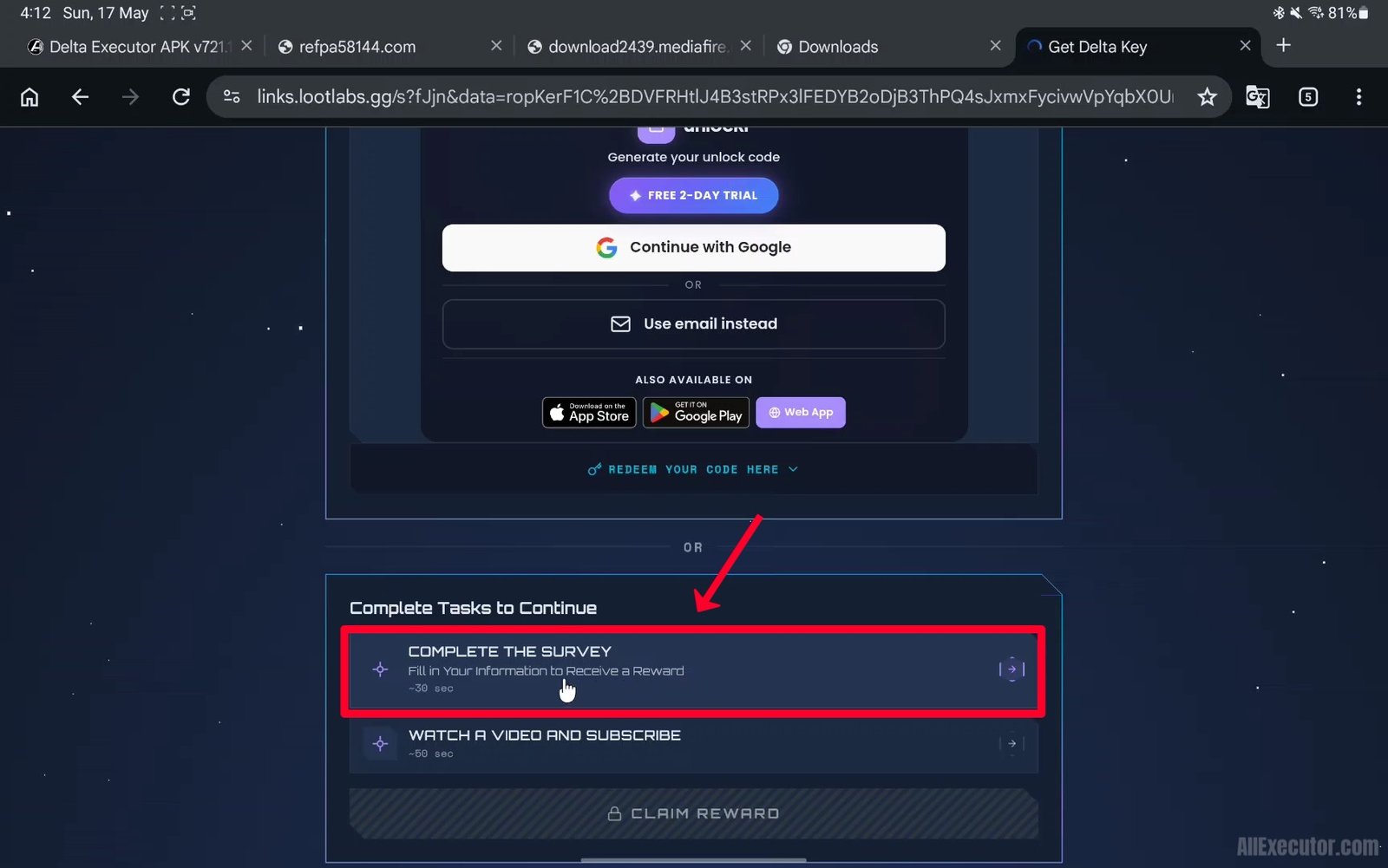
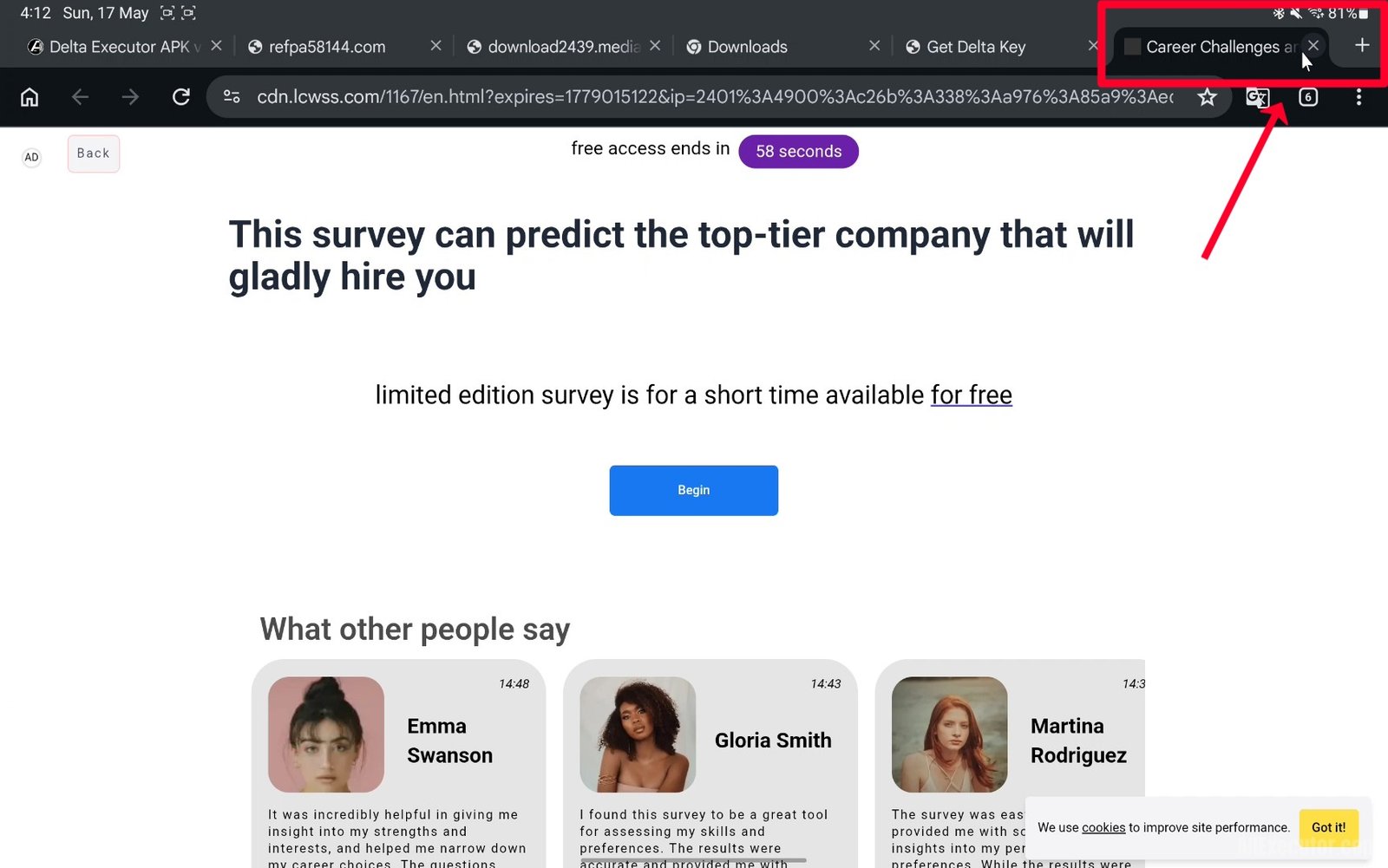
Step 9 – A random website may open in a new tab. Close that tab and return to the task page.
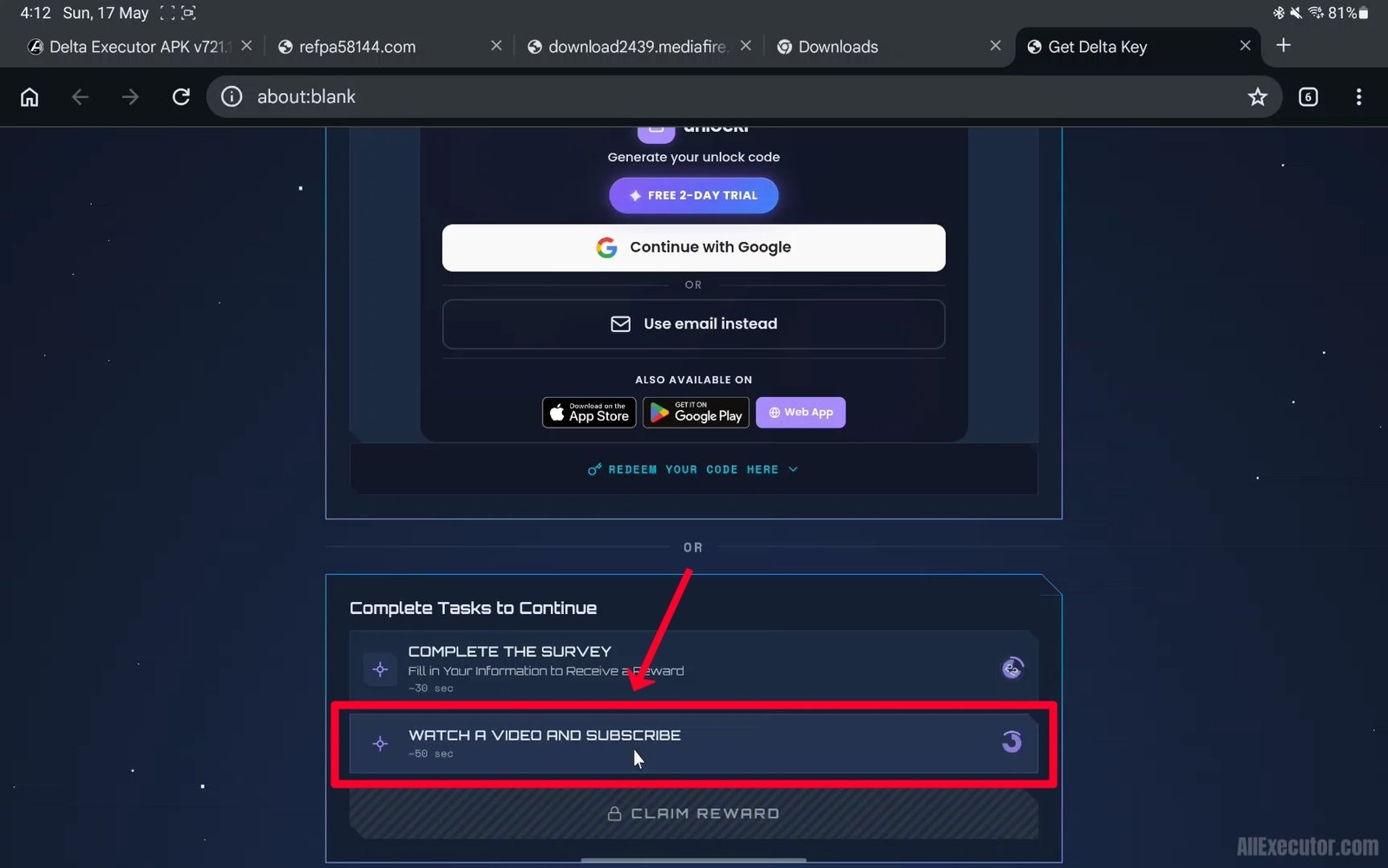
Step 10 – Complete the second task, Watch a Video and Subscribe.
Step 11 – YouTube app or YouTube website may open. Close it and return to the task page.

Step 12 – Go back to Delta task webpage in your browser.
Step 13 – Wait until both task timers finish and show a blue check mark.
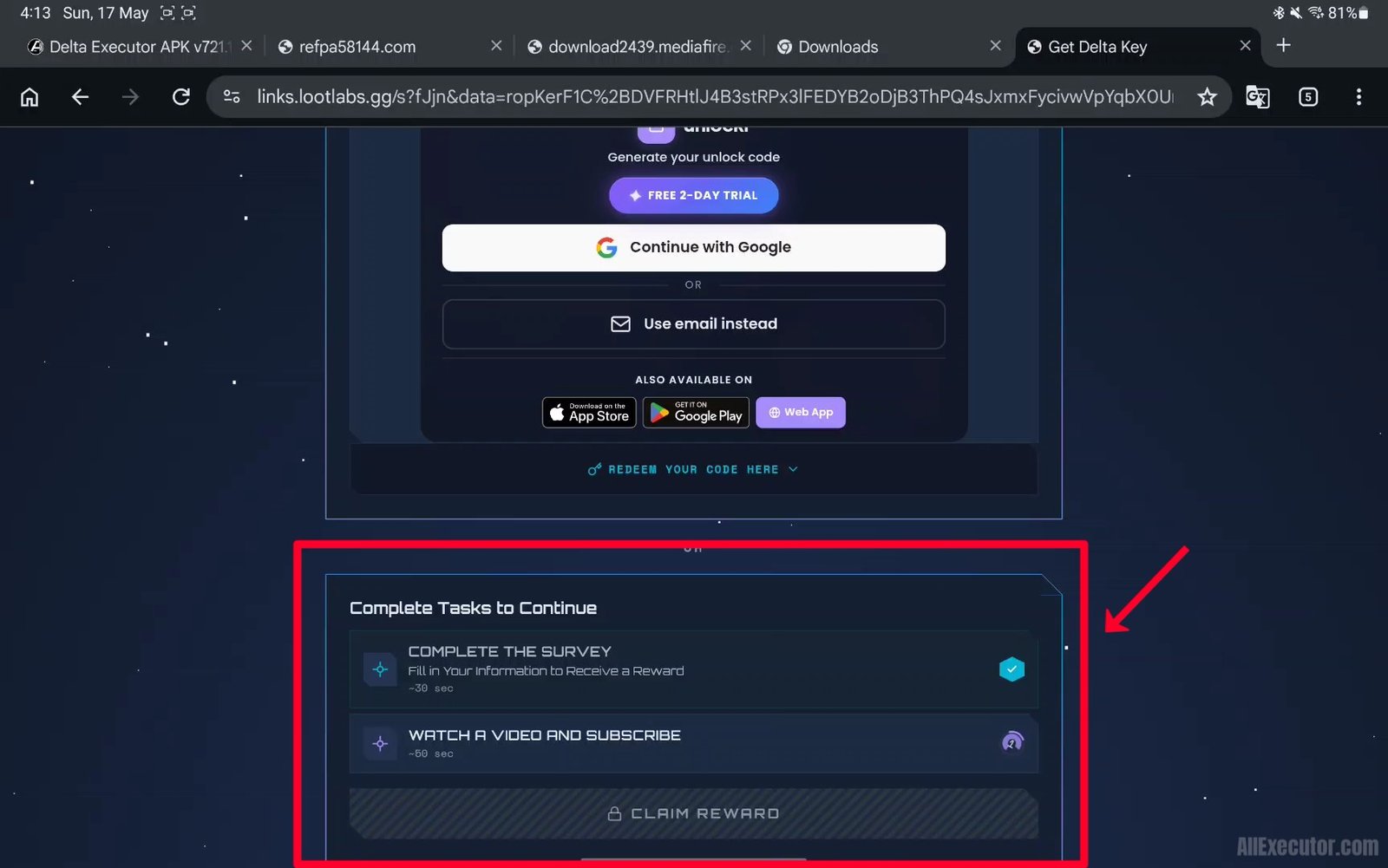
Step 14 – Claim Reward button will unlock. Tap on it.
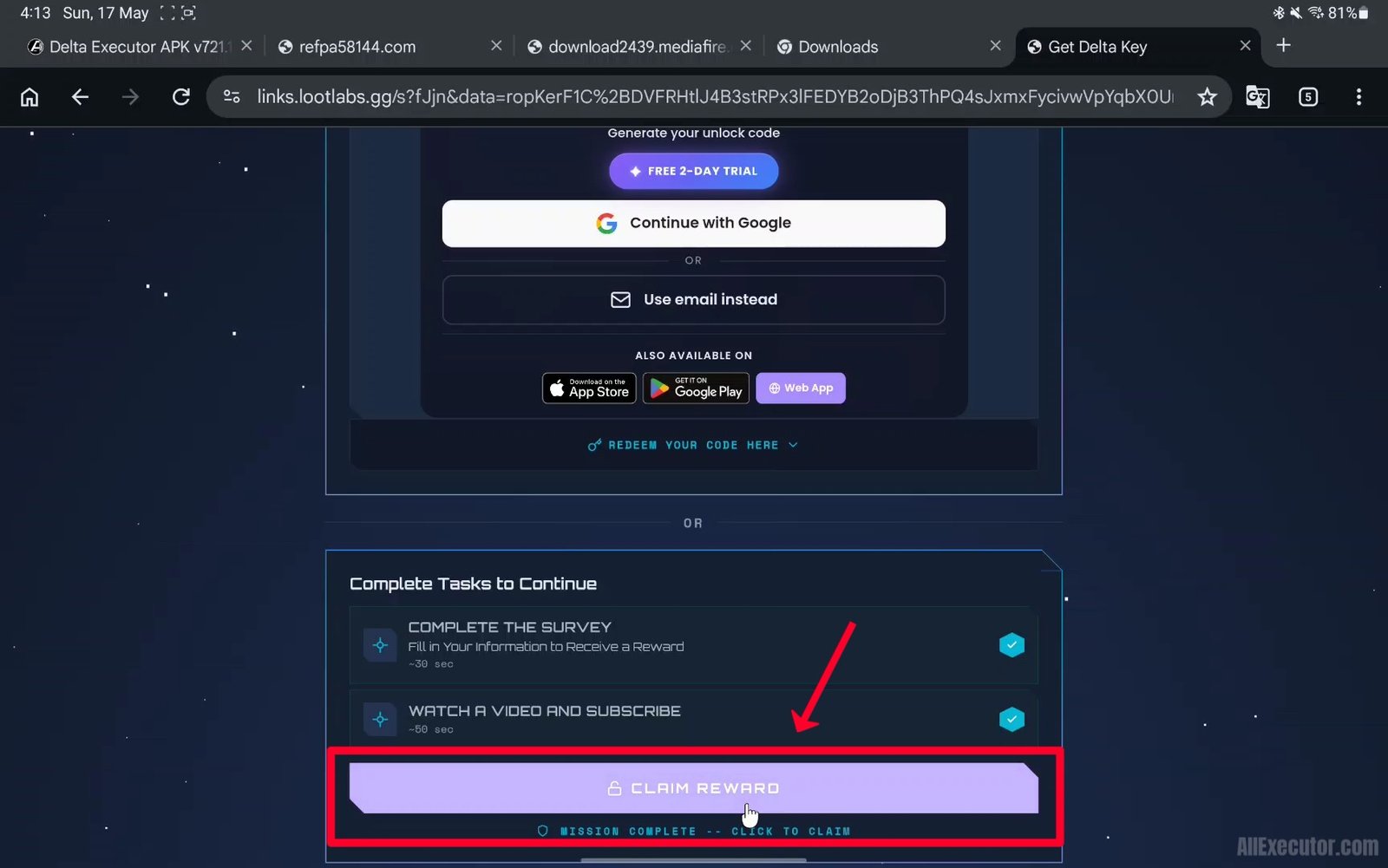
Step 15 – Wait 5 seconds while your Delta Key is generated.
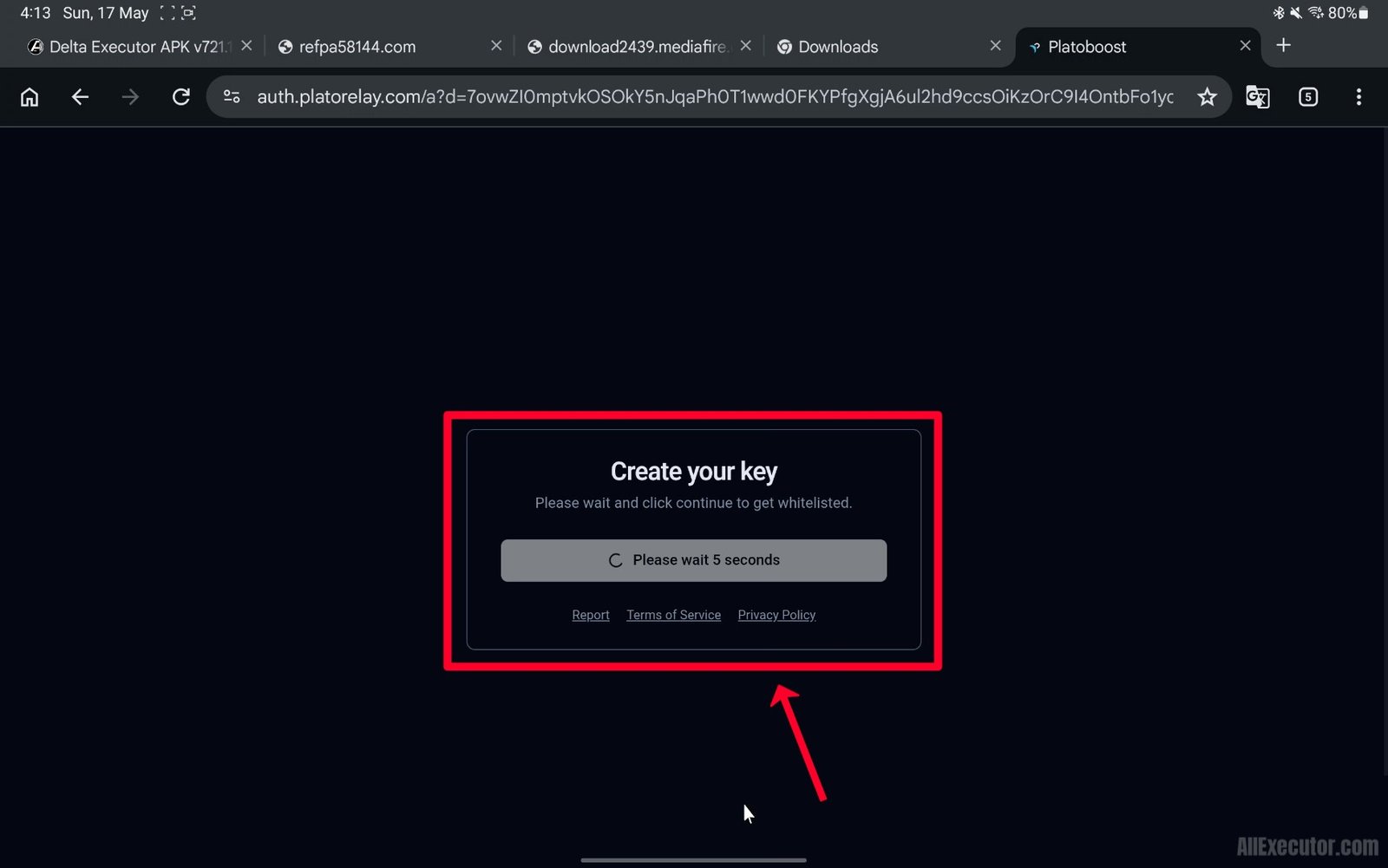
Step 16 – Tap on “Continue” button.
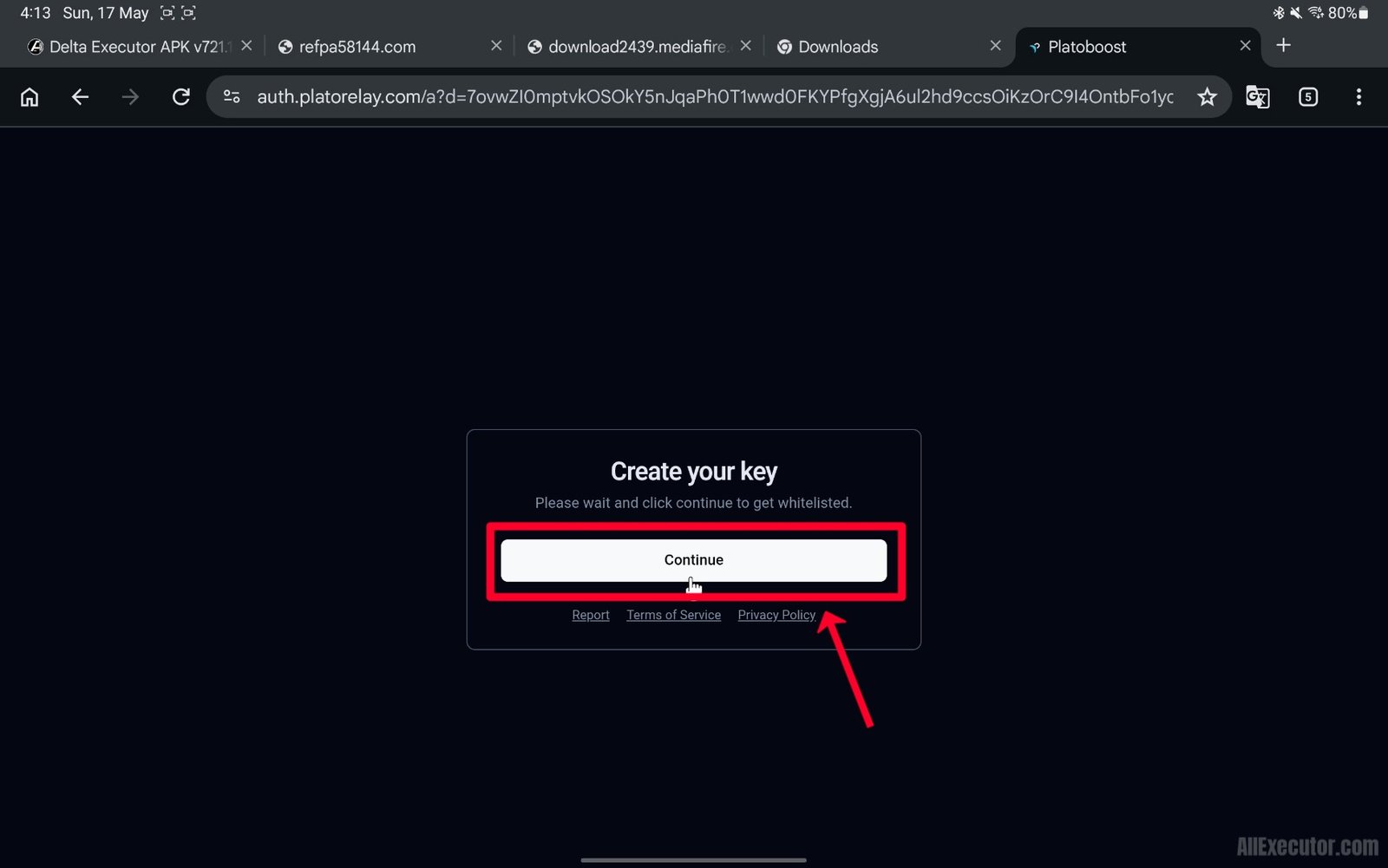
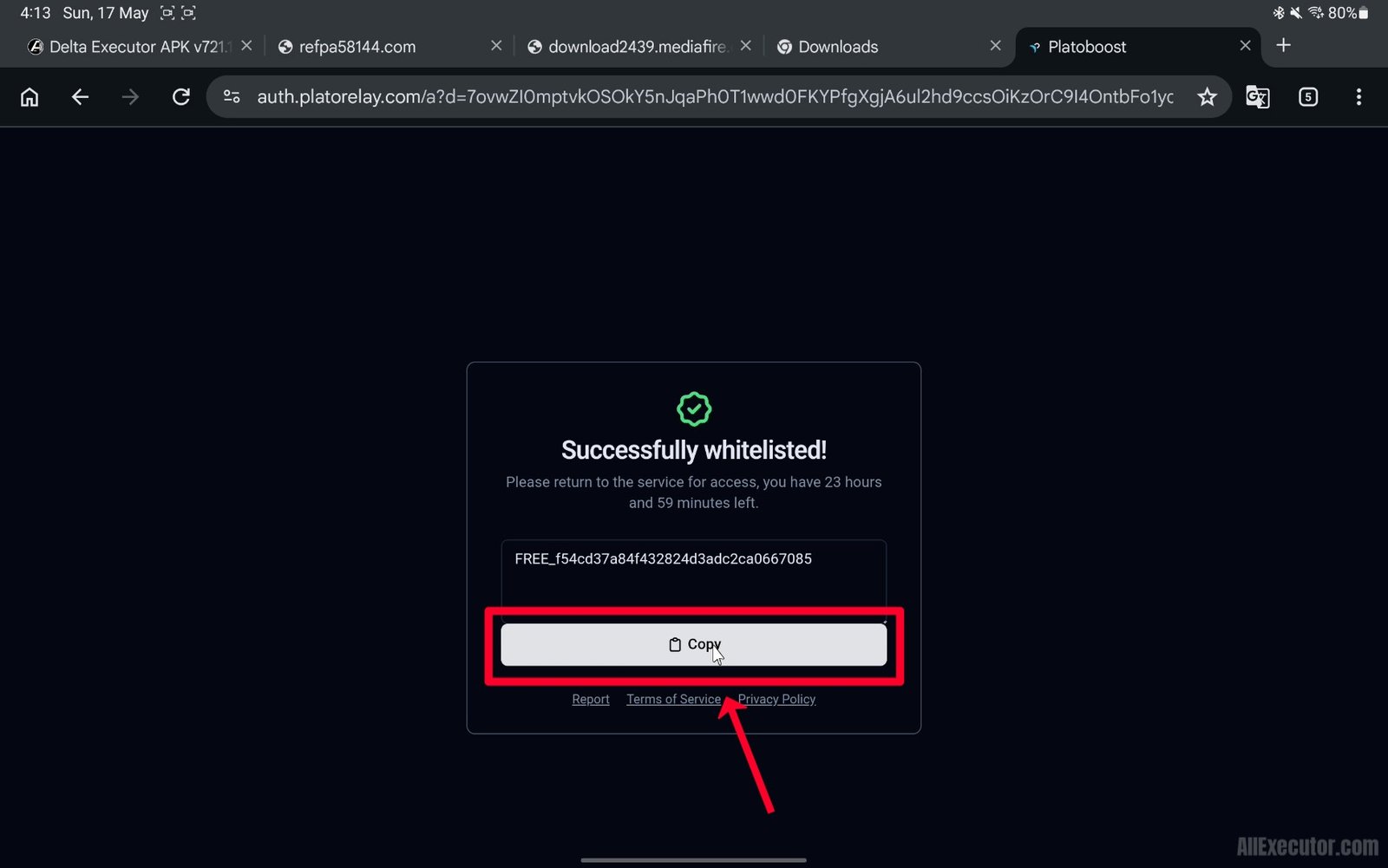
Step 17 – Your Delta Key has been created successfully. Tap on “Copy” button.
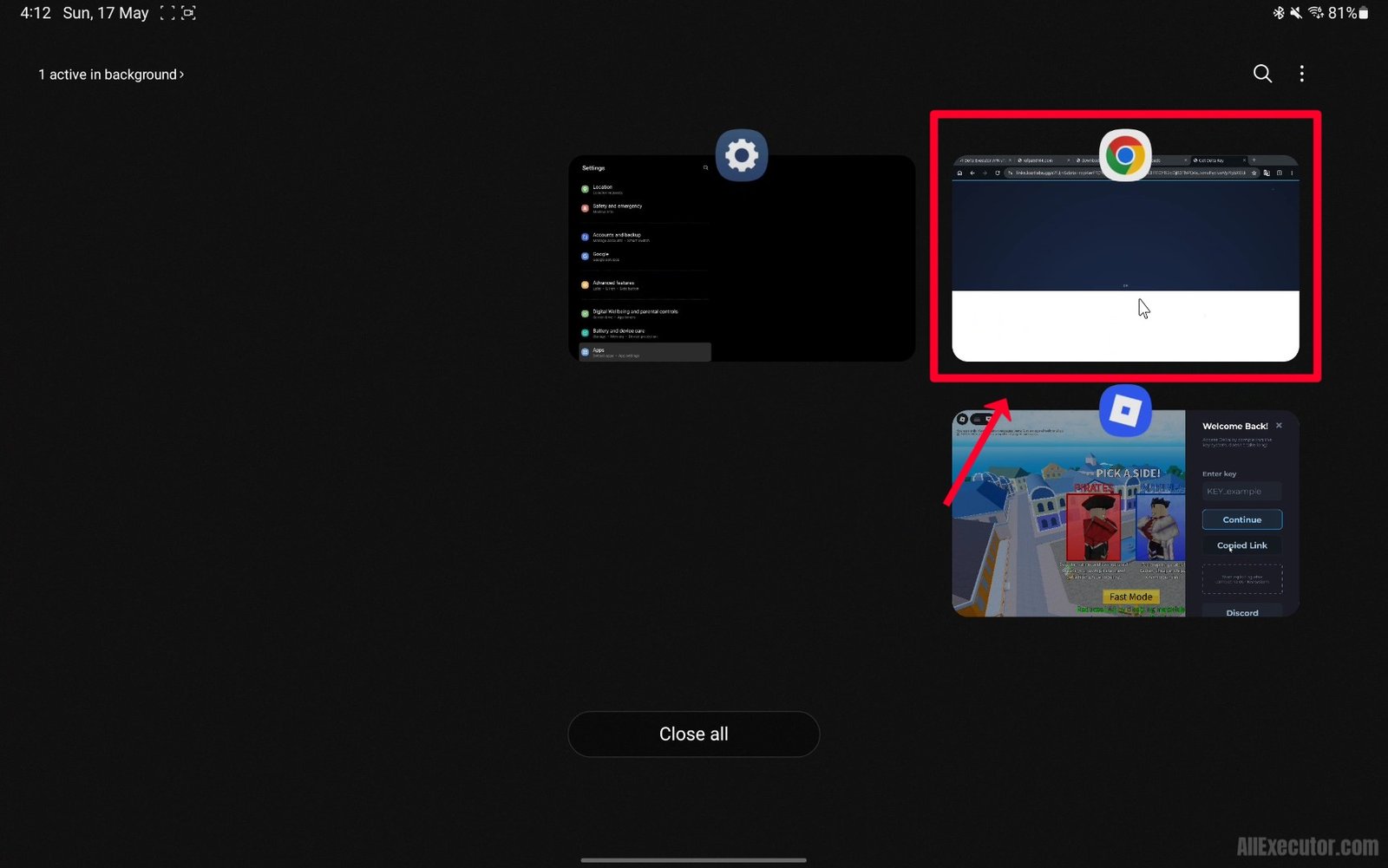
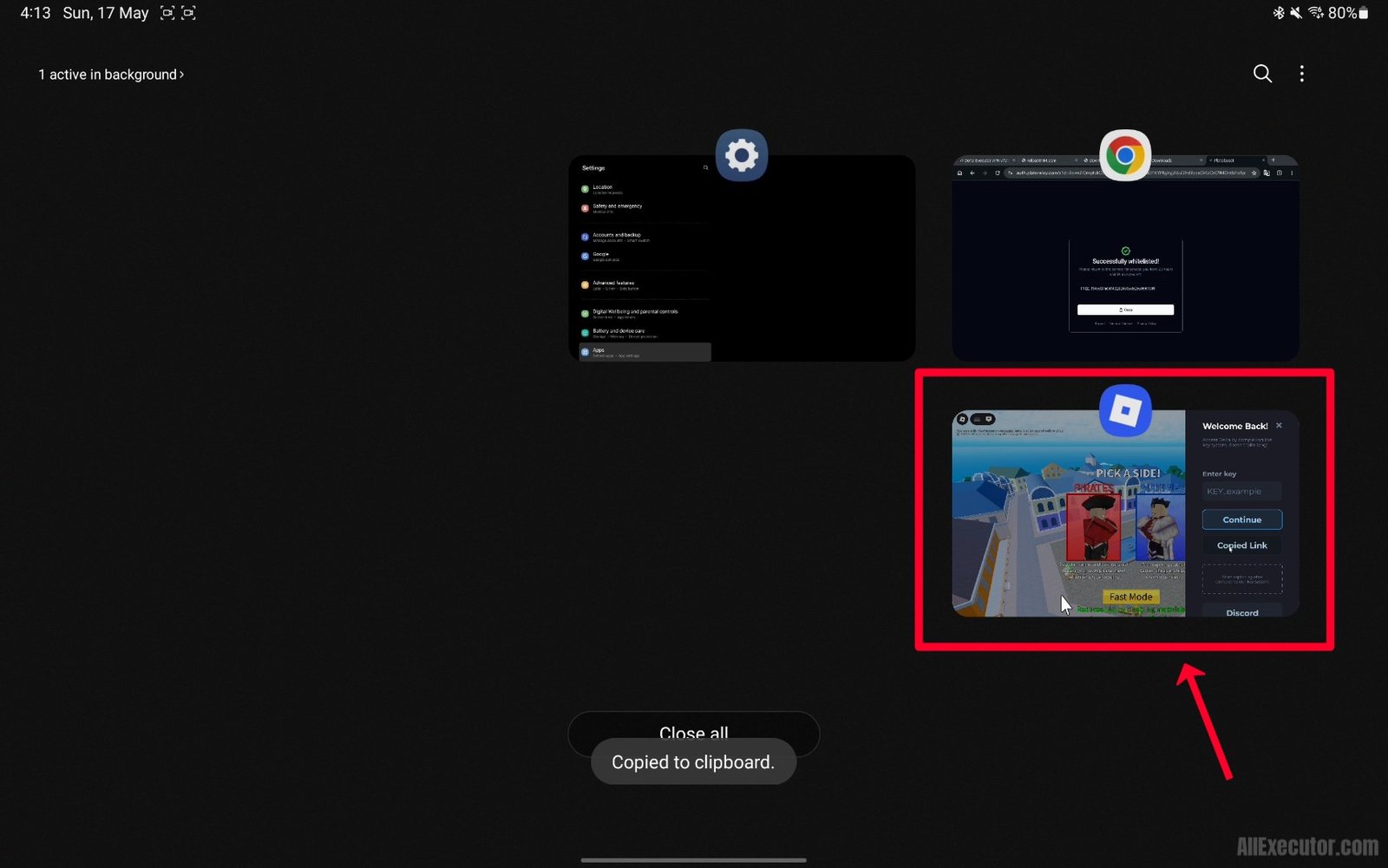
Step 18 – Open Roblox app from your recent apps.
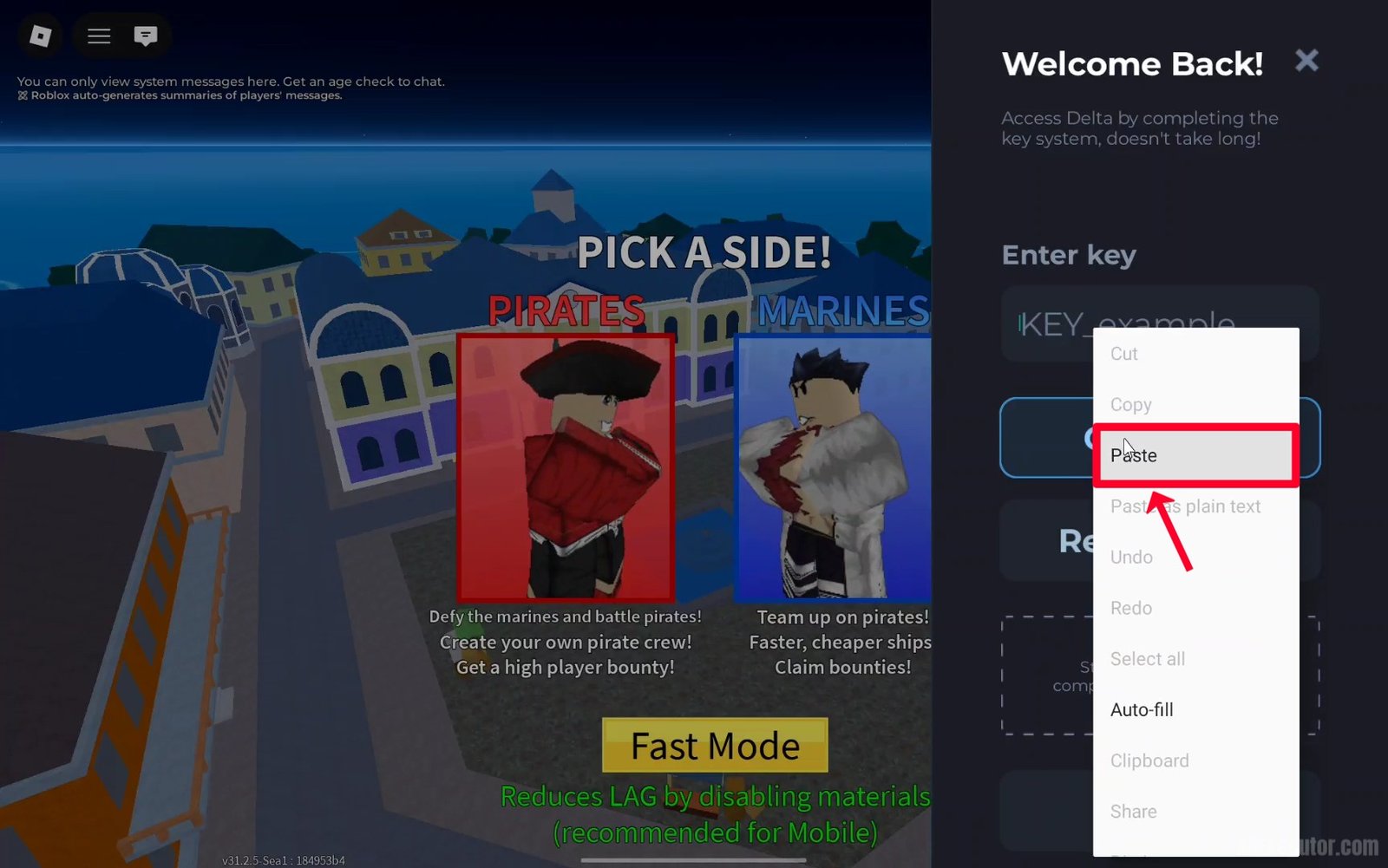
Step 19 – Paste your copied Delta Key into Delta Menu.
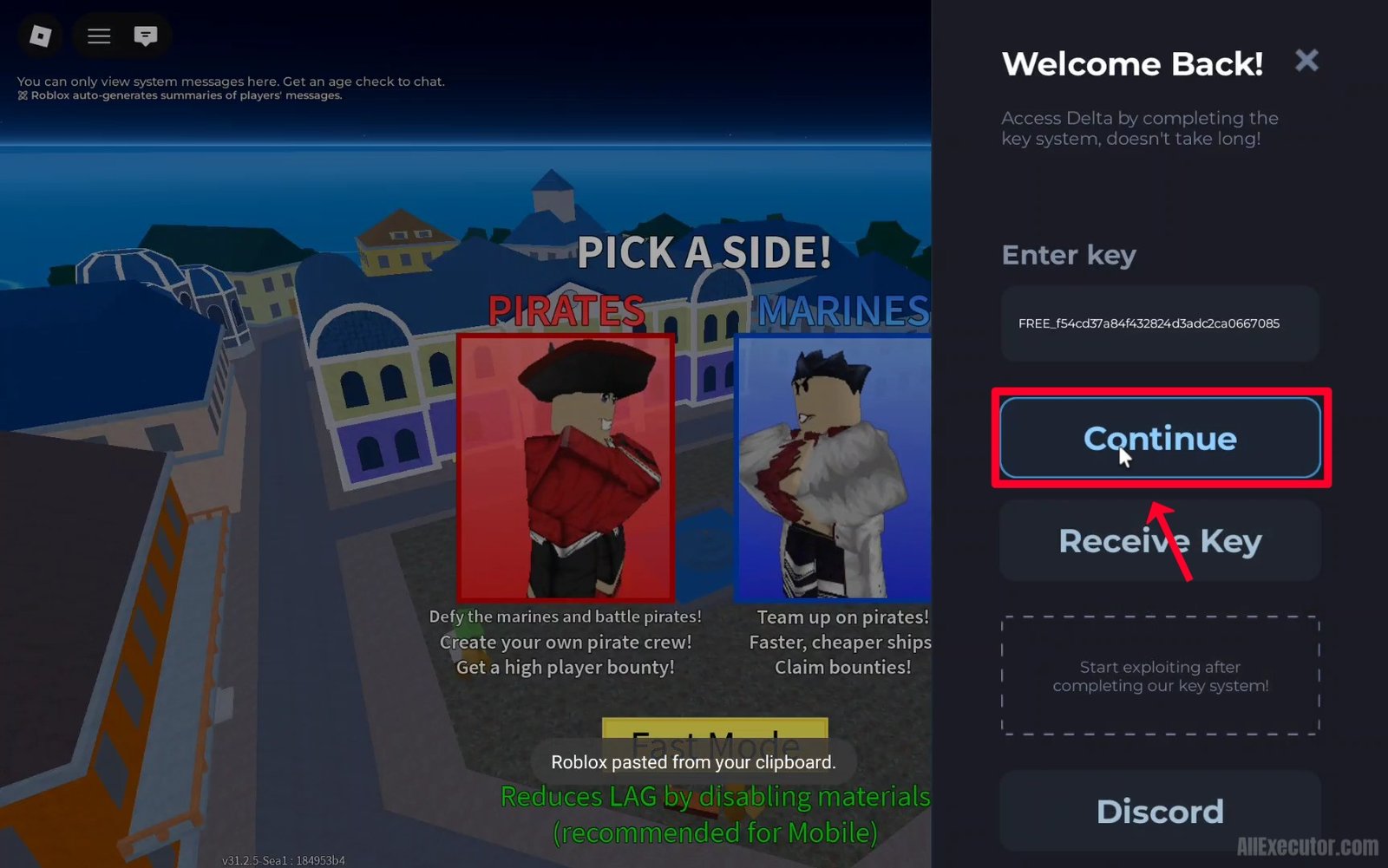
Step 20 – Tap on “Continue” button.
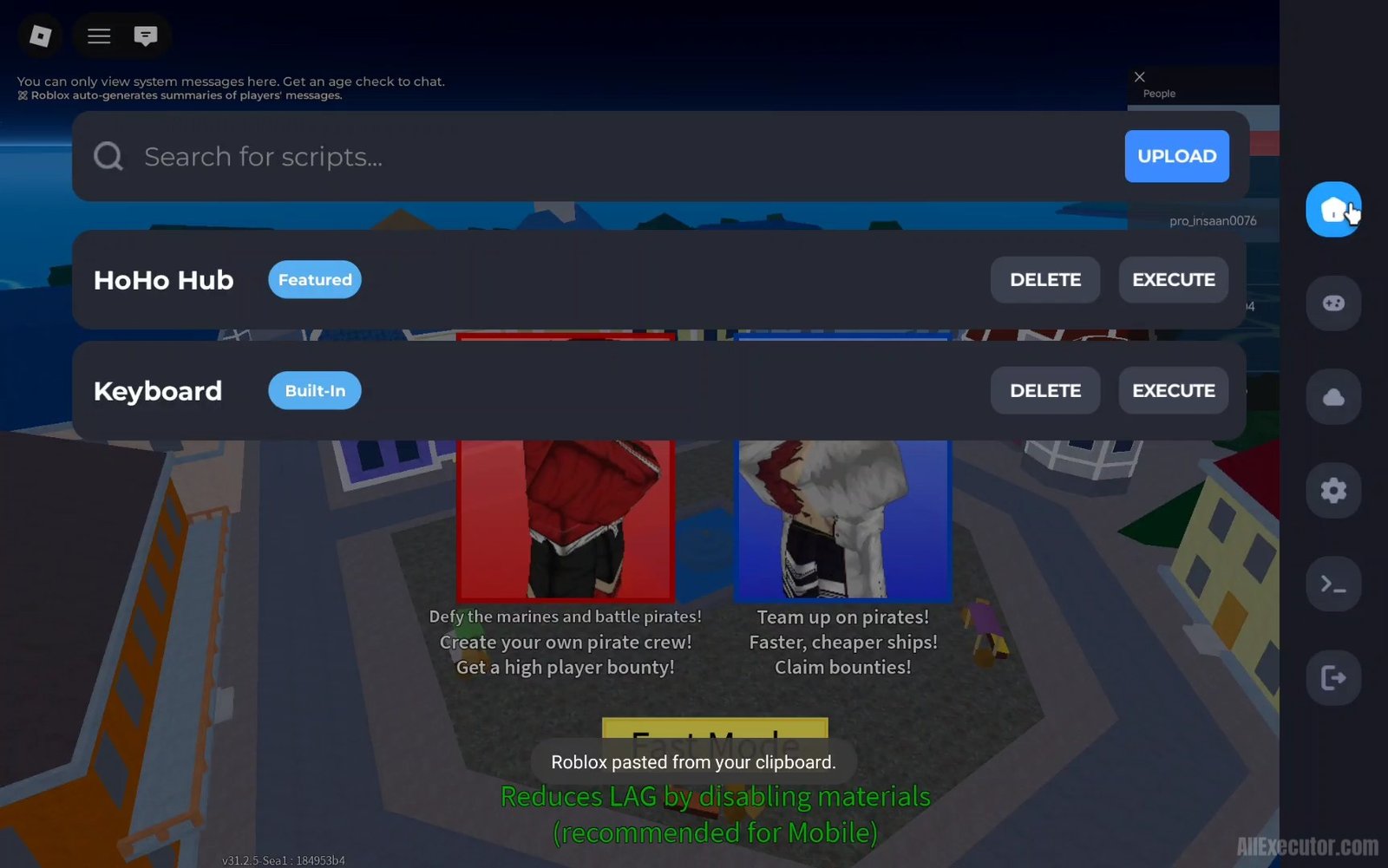
Step 21 – Delta Executor menu is now unlocked. Enjoy!
Frequently Asked Questions (FAQ’s):
Q1. Can I use a Delta Mobile Key on PC version?
Ans. Yes, you can use Delta Executor Mobile Key on PC version if you are running Delta Executor APK through an Android emulator on your PC. In this case, you are usinG mobile version of Delta on your computer, so Delta Mobile Key will work properly. However, if you are using the official Delta PC version, you must generate a separate Delta PC Key to unlock and use Delta Executor on Windows PC.
Q2. How do I get a Delta Mobile Key?
Ans. You can get Delta Mobile Key directly from Delta Executor app. When you open app for the first time, the side menu will appear automatically. In the menu, you will see “Receive Key” button. Click on it to copy Delta Key link or get redirected directly to Delta Key generation website. From there, you can complete the required steps to generate and activate your Delta Mobile Key easily.
Q3. Is Delta Roblox Key free to obtain?
Ans. Yes, Delta Key is completely free to obtain. However, the process to generate Delta key may take a few minutes because you need to complete some simple tasks on Delta Key generation website powered by LootLabs. After completing the required tasks, your Delta Executor Key will be generated successfully, and you can use it to unlock Delta Executor features.
Q4. How long does a Delta Key remain valid?
Ans. Delta Key is valid for only 24 hours from the time it is generated. After 24 hours, you must generate a new Delta Key to unlock and use Delta Executor menu again. Also, if a new Delta Executor update or version is released, your old key may stop working, and you will need to create a new Delta Key for the latest version.
Q5. What should I do if my Delta Key isn’t working?
Ans. If your Delta Key is not working, try generating a new Delta Key using the link provided in Delta Executor app through “Receive Key” button. After generating a new key, make sure you are using the latest version of Delta Executor app. If the issue still continues, try updating the app to the newest version. You can also contact Delta Executor support team through their official Discord server or Telegram channel for additional help and troubleshooting.
Final Words:
In this blog, we explained what Delta Executor is, how it works, and how to get a Delta key for Delta app with the help of step-by-step tutorials, screenshots, and video guides.
If you have any questions or face any errors while creating a Delta key through LootLink, Linkvertise, or Work.ink, feel free to comment below. Our team will reply as soon as possible with a complete solution guide and troubleshooting tips.