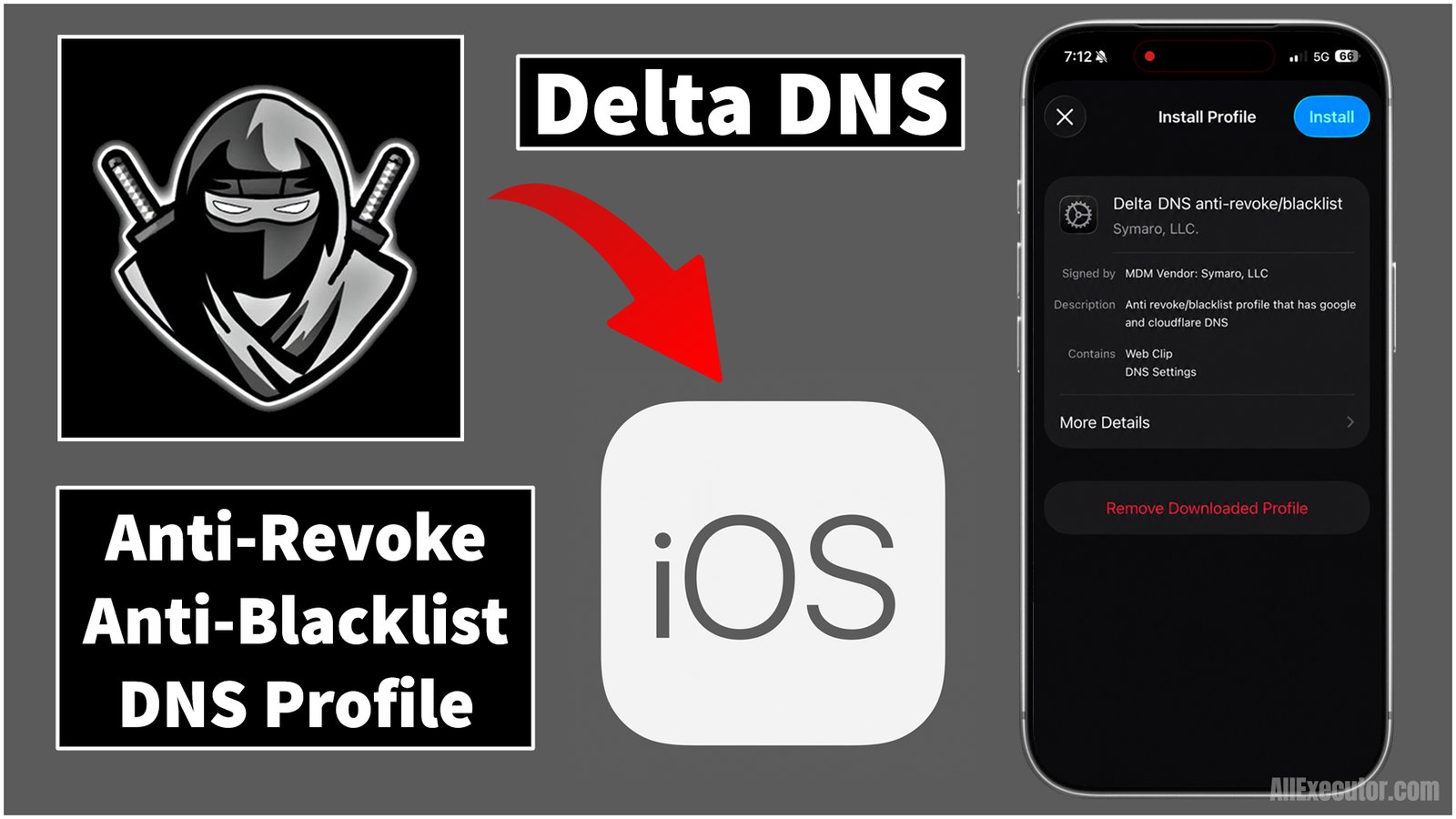
If you are an iOS user with an iPhone or iPad and want to use Delta Executor on your device while reducing the risk of blacklist or revoke issues when using Delta exploits tool with Roblox, you are in the right place.
Page Contents:
In this blog post, you can find custom DNS settings profile for iOS devices. Simply download, allow, and install custom DNS profile created specifically for Delta Executor iOS users to help with anti-blacklist and anti-revoke protection while using Delta iOS.
About Roblox:
Roblox is a popular online gaming platform that allows users to create and play games with friends, neighbors, and millions of other players around the world. Anyone with a Roblox account can create their own games and play games created by other users. Roblox is free to download and install, making it easy for anyone to create an account and start exploring and playing a wide variety of Roblox games.
What is Delta Executor?
Delta Executor, in simple words, is a modified third-party Roblox tool created by Delta Dynamics team. It includes an in-game menu that allows users to run custom Lua scripts while playing Roblox games. The tool also provides access to a library of scripts and features for many popular Roblox games. Users can find various scripts and tools designed to customize and enhance their gameplay experience.
What is Delta Executor iOS?
Delta Executor iOS is specially developed for iOS devices, including iPhone and iPad. If you want to use Delta Executor on a PC or desktop, you may also be able to run it through a compatible iOS emulator. The iOS version is provided as an .ipa file, which can be installed using supported IPA installation tools such as Scarlet or other compatible sideloading methods. You may also find a direct installation option on AllExecutor.com for supported iOS devices.
What is DNS Profile?
A DNS profile is a set of custom network settings created specifically for Delta Executor iOS users. It may help reduce certain connectivity or certificate-related issues associated with using third-party apps on iOS. The profile is designed to be easy to install and configure on compatible iPhone and iPad devices. However, a DNS profile cannot guarantee protection against Roblox bans, blacklisting, app revokes, or other account and service restrictions.
Delta DNS Profile Features:
Anti-Ban: A Custom DNS Profile provides an additional layer of network-related security while using Delta Exploits tool and Lua scripts on Roblox. It is designed to offer anti-ban protection and help improve security during use.
Anti-Revoke: Sometimes, Apple revokes or disables unknown apps installed from third-party websites. Delta DNS Profile is designed to help reduce revocation issues and provide a more stable experience while installing and using Delta Executor on iOS devices.
Anti-Blacklist: Roblox may detect and take action against accounts using unauthorized third-party tools, including Delta Executor. A Custom DNS Profile may provide additional network-related configuration, but it cannot guarantee protection from Roblox account bans or blacklisting. To keep your account safe, avoid using unauthorized tools and follow Roblox’s Terms of Use.
Improved Network Resolution: If you install a Custom DNS Profile, it may improve DNS resolution and provide a more stable network connection while using Delta Executor tools on Roblox, helping reduce network-related interruptions and errors.
No Jailbreak Required: You do not need to jailbreak your iPhone or iPad to install a Custom DNS Profile. iOS includes built-in support for installing configuration profiles and DNS settings, allowing you to configure them without jailbreaking your device.
Easy Installation: In just a few taps, you can install the Delta Custom DNS Profile on your iOS device. The simple setup process makes it easy to install and configure the DNS profile on both iPhone and iPad.
Easy to Remove: You can quickly remove the installed Delta Custom DNS Profile from your iOS device without any additional verification. With just a few taps, you can remove DNS profile from your iPhone or iPad whenever you no longer need it.
Download and Install Delta Executor iOS DNS Profile For Anti-Revoke/Anti-Blacklist
| File Name: Delta DNS Configuration Profile | File Type: MOBILECONFIG File (.mobileconfig) | File Size: 90KB | Version: Latest | Last Update: 2026 |
Frequently Asked Questions (FAQ’s):
Q1. Why do I need a DNS profile for Delta Executor on iOS?
Ans. Sometimes, Roblox may restrict, blacklist, or revoke access to servers or iOS devices that use Delta Executor or other exploit tools in Roblox games. If you experience these issues, you may need to use Delta DNS Profile for iOS. It is designed to help with anti-revoke and anti-blacklist issues and may help bypass certain network or access limitations.
Q2. Do I need to jailbreak my device to use this DNS profile?
Ans. No, you do not need to jailbreak your iOS device to install Delta DNS Profile. Jailbreaking is not required. You can install DNS profile directly through your iPhone or iPad’s VPN & Device Management settings in just a few simple steps: Download → Allow → Open Settings → VPN & Device Management → DNS Profile → Install That’s it! Delta DNS Profile can be installed without jailbreaking your iOS device.
Q3. Is using a custom DNS profile safe?
Ans. Yes, a custom DNS profile can be safe to use when it comes from a trusted source. It uses DNS services such as Google DNS and Cloudflare DNS to change how your device resolves domain names through your internet connection. For users who use Delta Executor on iOS, a custom DNS profile may help with certain DNS-related access, revoke, or blacklist issues.
Q4. What should I do if Delta Executor is still not working after installing the profile?
Ans. If downloaded DNS Profile is not working or fails to install, try deleting the existing DNS Profile and reinstalling it. You can also restart your iOS device and try the installation again. These troubleshooting steps may help fix common Delta DNS Profile installation or connection issues.
Q5. How do I install Delta DNS Profile on my iOS device?
Ans. You can download Delta DNS Profile from All Executor website. Once the download is complete, tap Allow when prompted. DNS profile will then appear under VPN & Device Management in your iOS Settings. From there, select downloaded DNS Profile and tap Install to activate it on your device.
Q6. Does Delta DNS Profile work on all versions of iOS?
Ans. Yes, Delta DNS Profile is compatible with most iOS devices and iOS versions. You do not need to download a separate DNS profile for each device or iOS version. A single compatible DNS profile can be used across supported iOS devices for users who use Delta Executor.
Q7. Can I use other DNS profiles at the same time as Delta profile?
Ans. Using multiple DNS profiles at the same time may interfere with your device’s internet connection or network settings. Therefore, it is not recommended to use multiple DNS profiles simultaneously with Delta Executor. For a more stable setup, use only one DNS profile at a time and make sure it comes from a trusted source.
Final Words:
In this blog post, we provide a Delta DNS Profile for iOS designed to help with anti-revoke and anti-blacklist protection. DNS profile is developed for iOS devices and is designed to work across supported iOS versions and devices.
We also provide a complete step-by-step guide with screenshots and a video tutorial explaining how to download and install Delta DNS Profile on iOS. Follow the instructions carefully to complete the installation successfully.
If you’re still experiencing issues or receiving an error while downloading or installing DNS profile, feel free to leave a comment below. We’ll do our best to respond as soon as possible with a helpful solution.
1 thought on “Delta DNS Profile: How To Install Delta Executor iOS DNS Anti-Revoke/Blacklist Profile (October 2026)”